
Fifteen source images
See spaces, equipment and work through real source-image context
Each item has a visible-category label so an image stays context evidence rather than a promise about configuration or outcome.
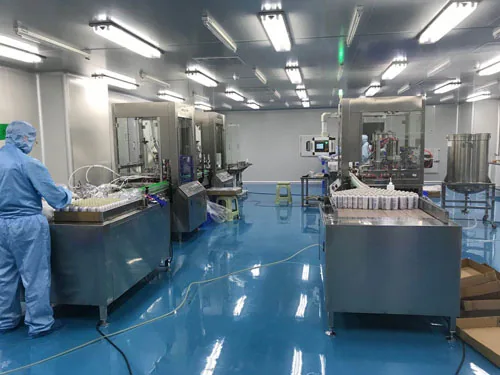
How to use this gallery
Every image links back to a source file in the media inventory, making clear that it is existing material rather than newly created imagery.
- Source file
- Observed context
- No inference
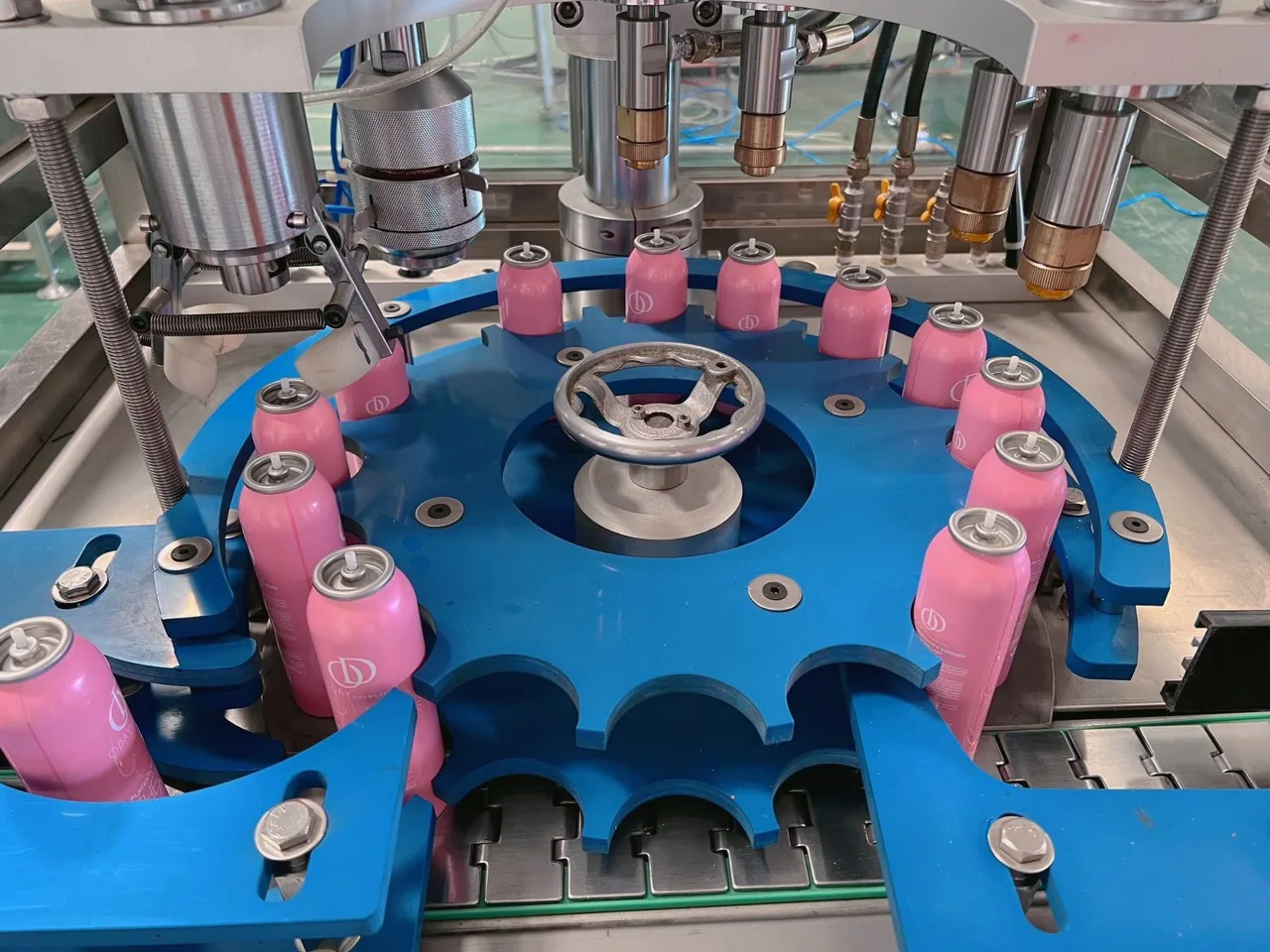
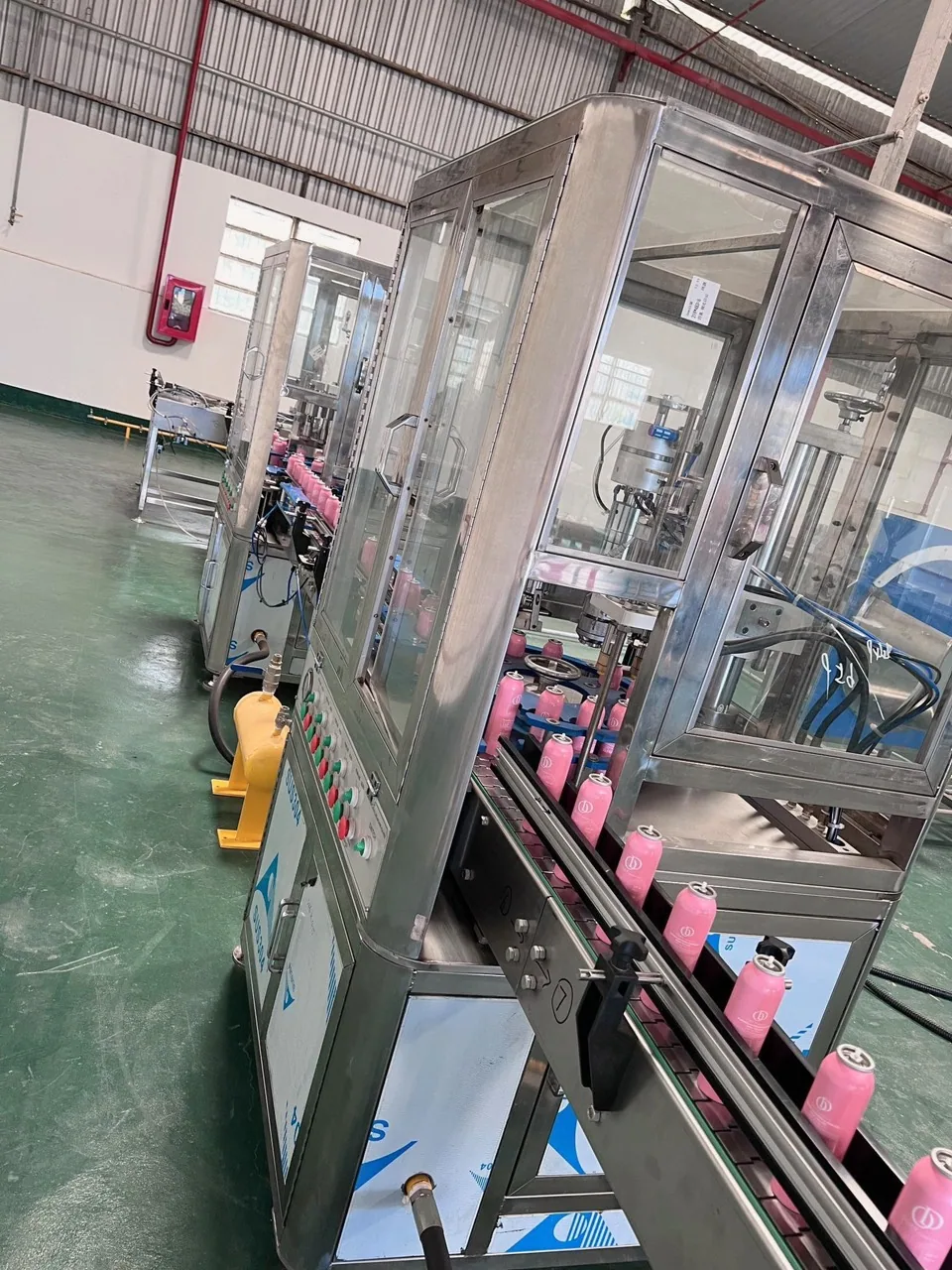
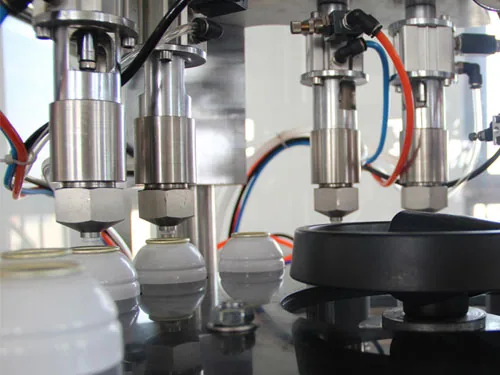
Labels describe what is visible
Facility, equipment, process, products and quality labels describe only visible image context, without adding specifications or use conditions.
- Facility
- Equipment
- Process
Bring an image into a discussion
Use one image to record a question about a sample, version or record to review instead of reaching a conclusion from an image alone.
- Choose an image
- Record a question
- Compare the record
Factory spaces and workflow


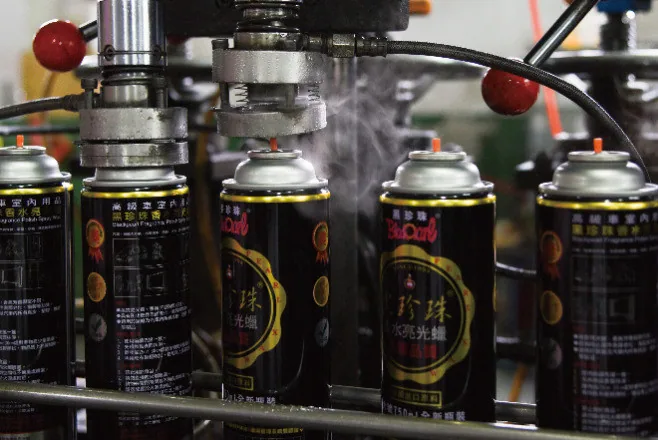


Rooms, equipment and line context


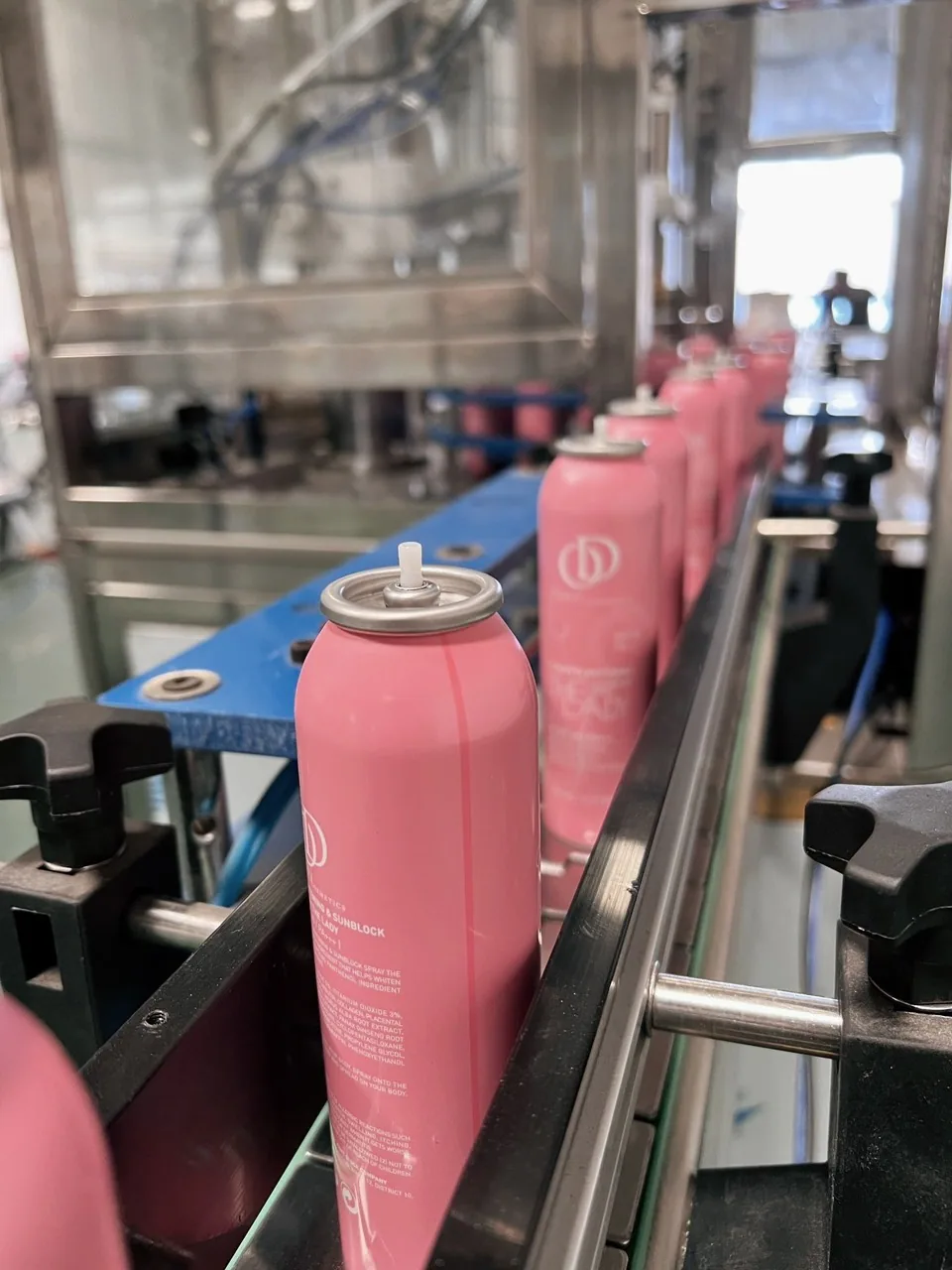
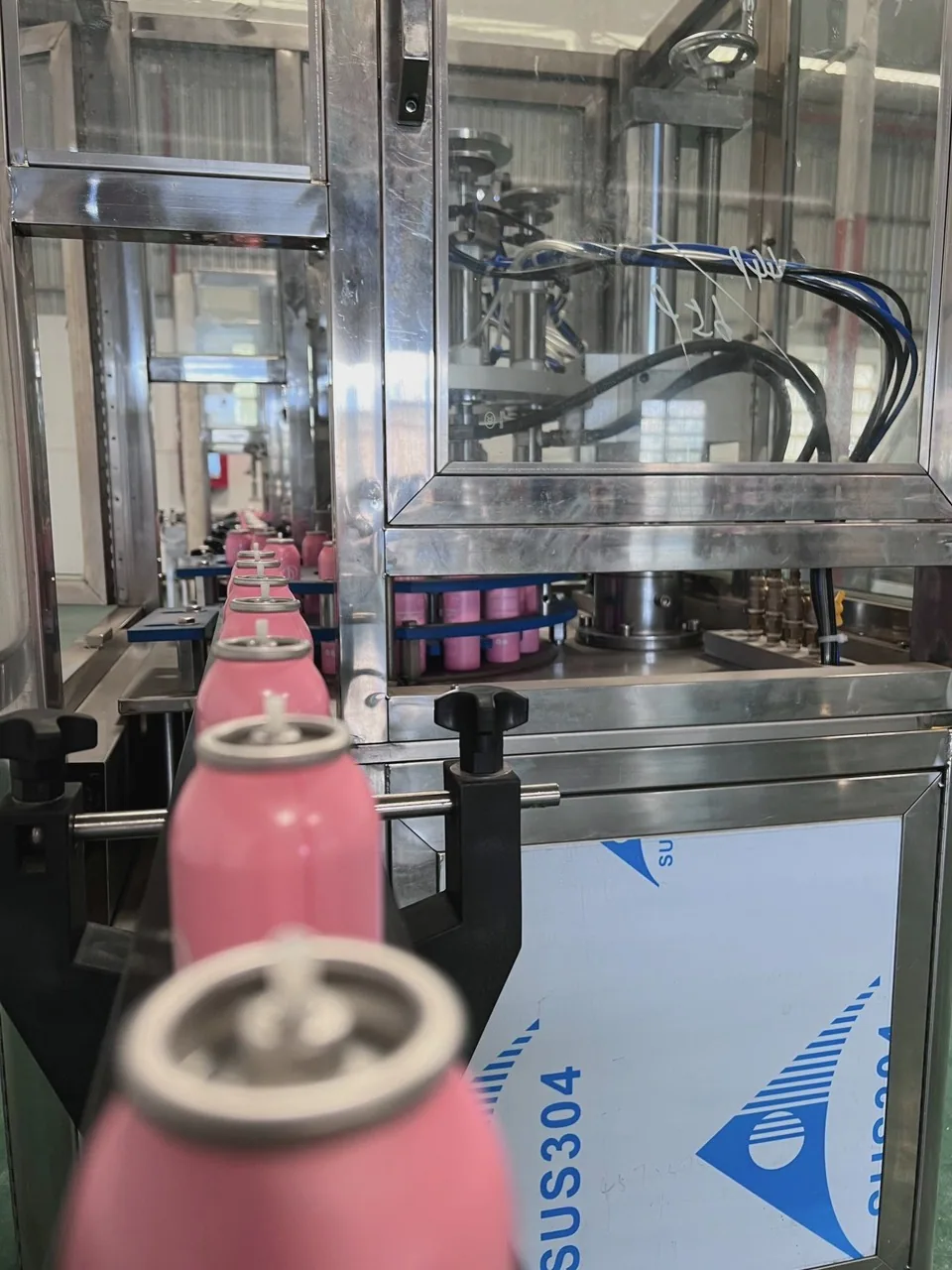
Products, process and review details


Request a quote
Share five starting inputs so the team can frame the next discussion. The information will be submitted for follow-up about the project inquiry.
The information is used only to discuss the project inquiry.